Get lost in the story.
Translate the audio playing on your Mac into floating captions. Keep the original language visible alongside the translation.
MOVIES & VIDEO Private Captions
LIVE TRANSLATED CAPTIONS FOR MAC
Live translated captions for your Mac. Follow movies, video calls, and conversations in another language—with speech recognition and translation on your device.
macOS 15 or later · No account needed
Illustrative caption preview
LESS FRICTION. MORE CONNECTION.
One app for the things you watch, the calls you join, and the conversations around you.
Translate the audio playing on your Mac into floating captions. Keep the original language visible alongside the translation.
MOVIES & VIDEOFollow calls in FaceTime, Zoom, or Teams with captions that help you keep up with what’s being said.
CALLS & MEETINGSSwitch to your microphone to caption speech in the room, from everyday conversations to language practice.
IN-PERSON CONVERSATIONSMEET YOUR NEW SUBTITLES
Choose your audio source and languages. Set the size and appearance. Let the captions follow along.
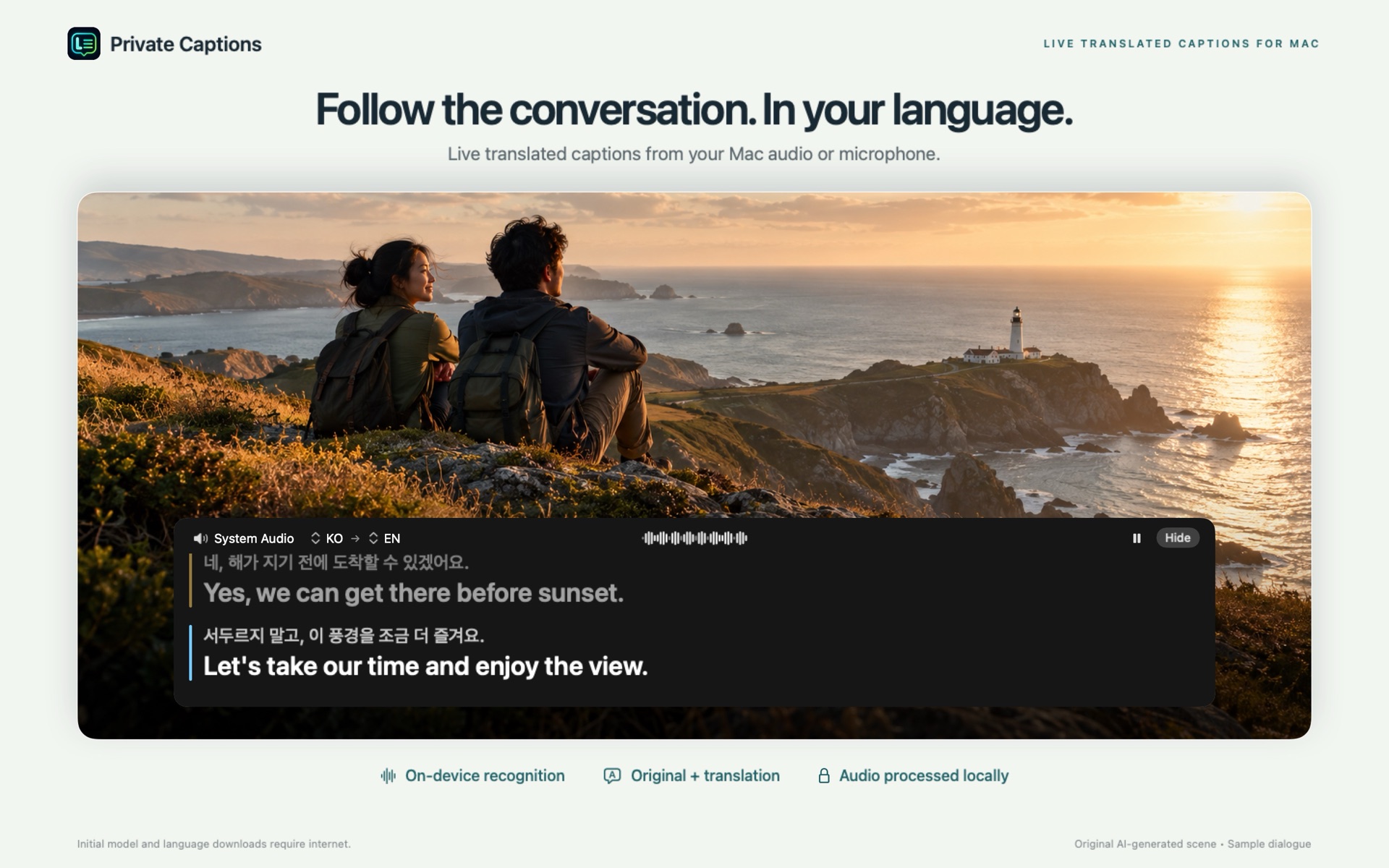
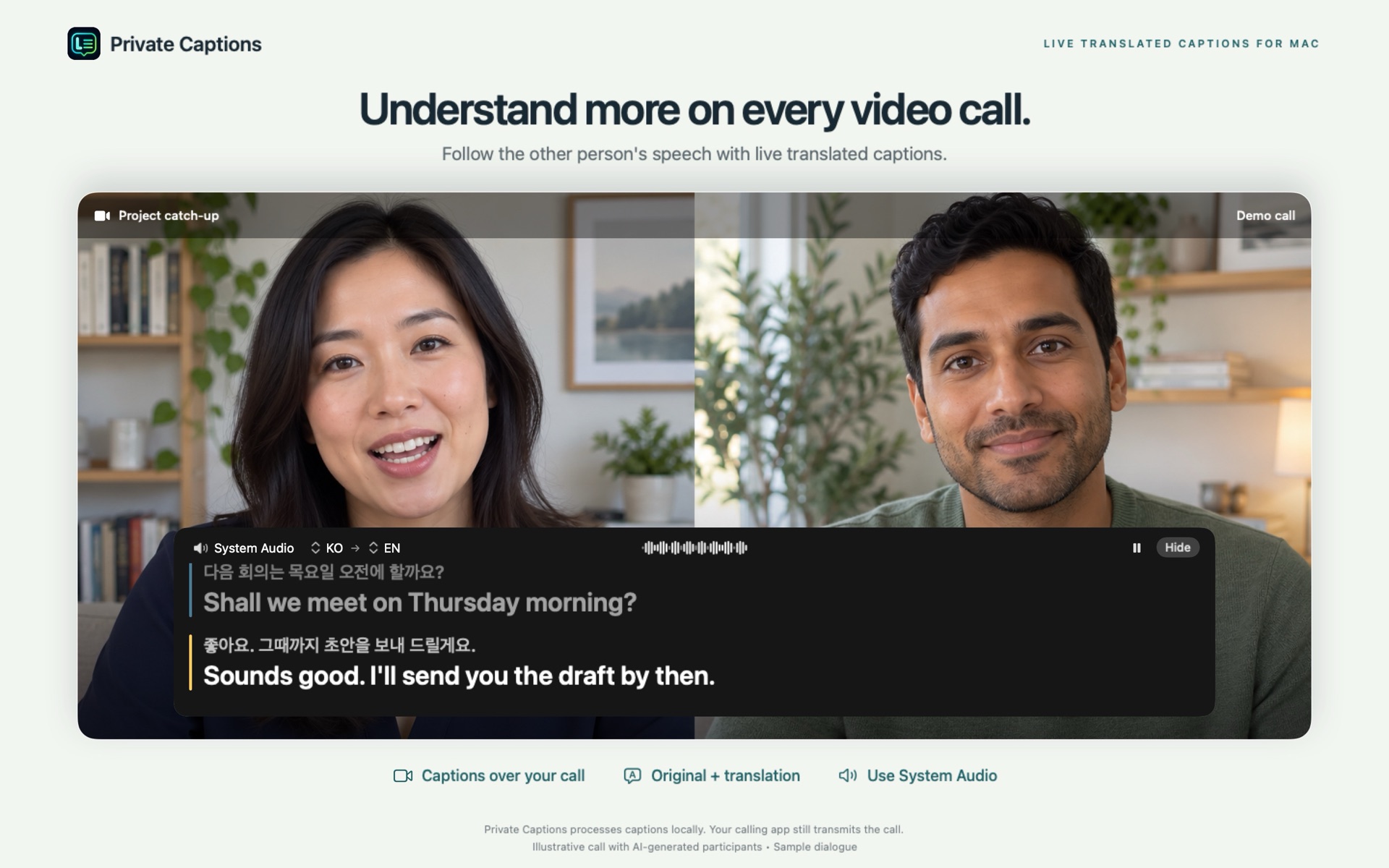
Sample scenes and fictional dialogue Click any image to view full size ↗
KEEP THE WORDS THAT MATTER
Turn everyday listening into something you can come back to.
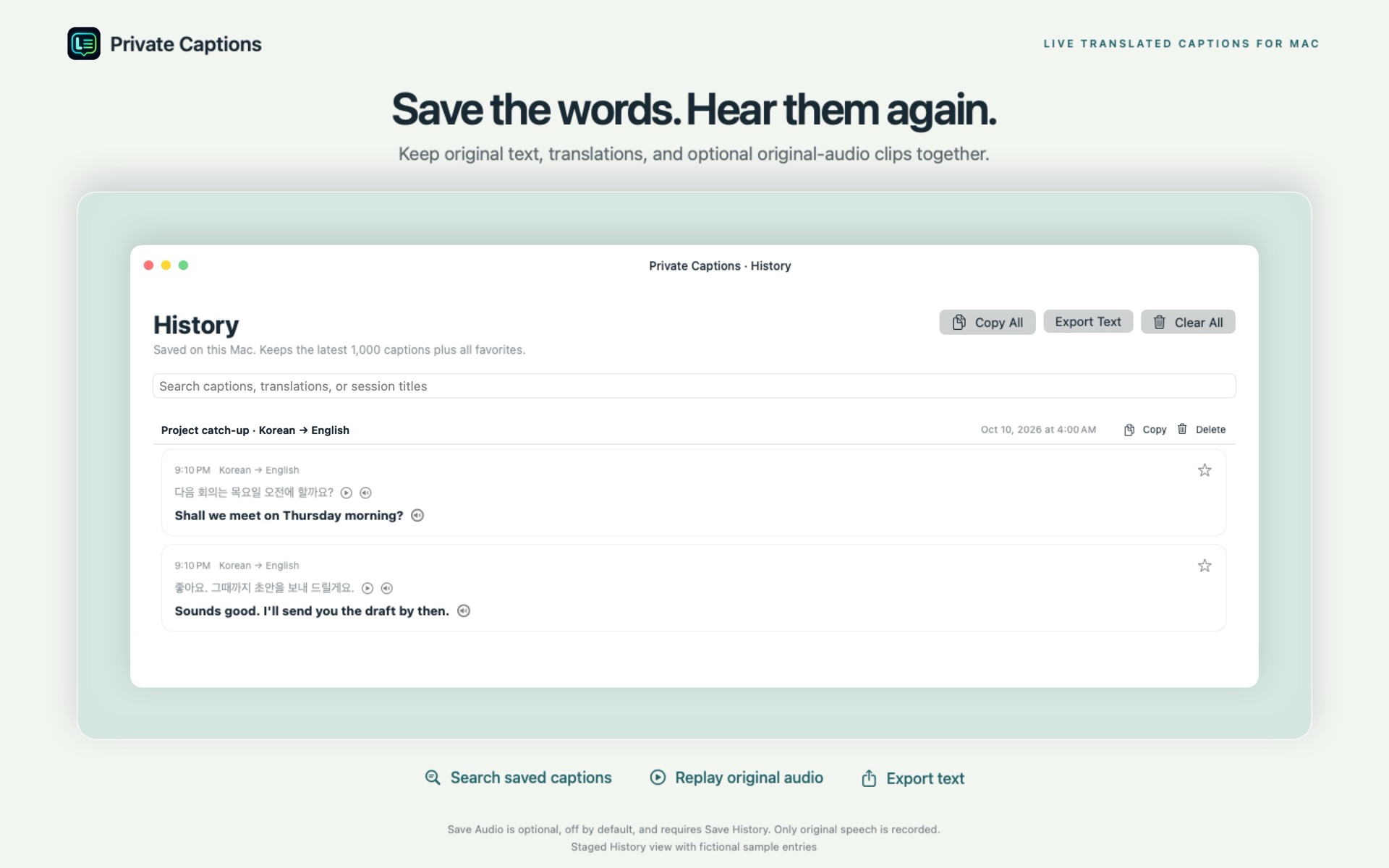
Save caption sessions in History and review the original text and translation, all stored locally on your Mac.
Star useful words and expressions, then return to your own growing collection whenever you want to practice.
Use text-to-speech playback to listen to saved phrases and get more familiar with how they sound.
PRIVATE BY DESIGN
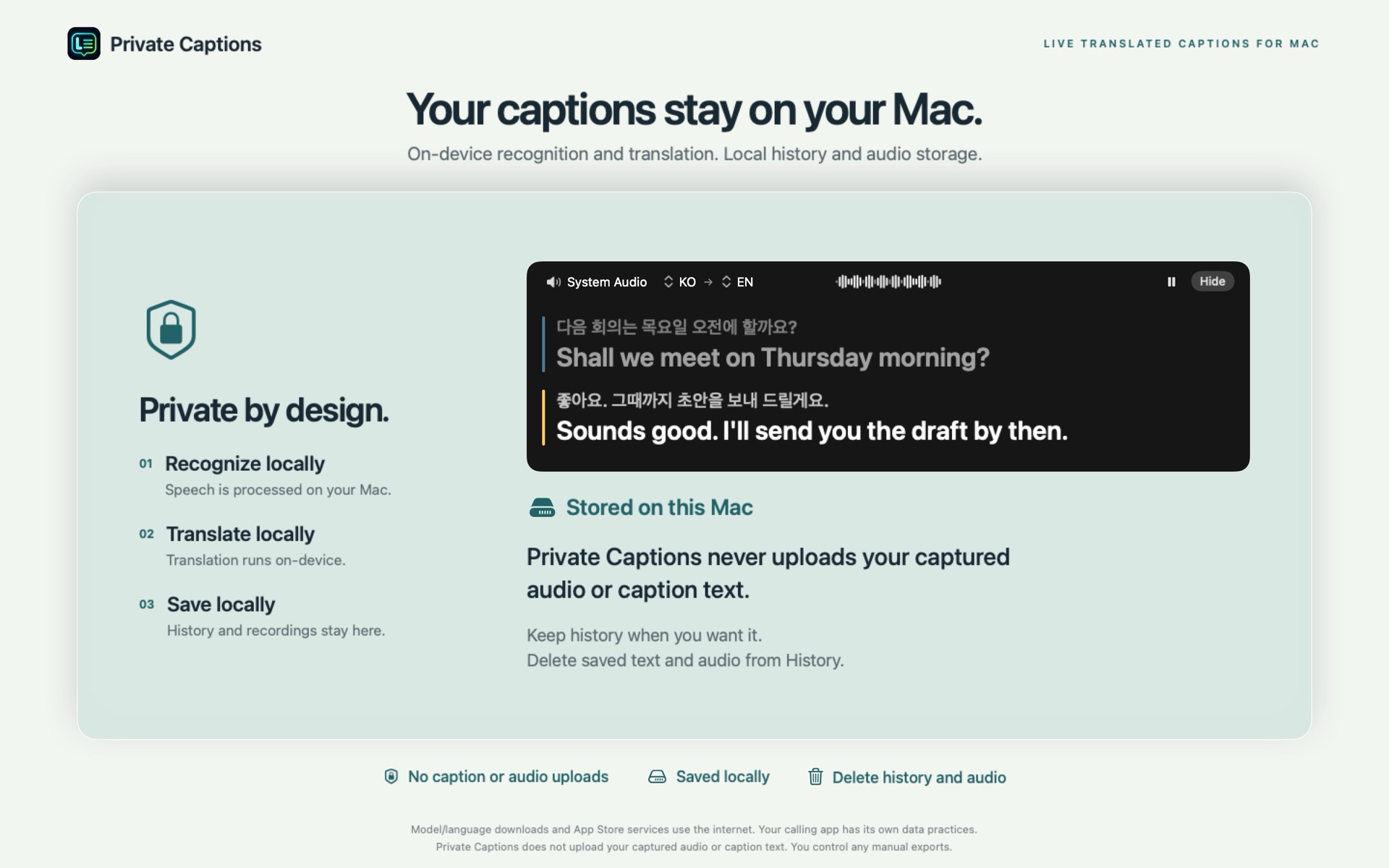
Speech recognition and translation run on your Mac. No Private Captions server, no account, and no analytics. Your audio and captions stay with you.
Initial setup requires downloads for speech models and translation languages.
Read our privacy policyDownload Private Captions from the Mac App Store, choose an audio source, and select your spoken and subtitle languages. Complete the model downloads and requested macOS permissions, then start captions.
Transcription and translation run on-device once the required speech model and translation languages are downloaded. You’ll need an internet connection for those initial downloads.
Audio is discarded after transcription by default. You can optionally enable Save Audio with History to keep recordings locally on your Mac. You control what is saved.
Yes. Adjust the subtitle font size and background opacity, and choose whether to show the original-language caption alongside the translation.
A WORLD OF WORDS. A LITTLE CLOSER.
Available on the Mac App Store